
When you search online, do you click the first result you see? You’re not alone. But that habit could cost you — especially if you’re searching for health insurance or government healthcare programs like Medicare.
Sometimes dishonest businesses pay to place ads at the top of search results that look like official government websites. They’re designed to trick you into sharing personal information, paying unnecessary fees, or signing up for misleading services. That’s why you might want to view more than just the top search results. Here’s what it can look like when you’re dealing with an impersonator, from a case the FTC settled with MediaAlpha:
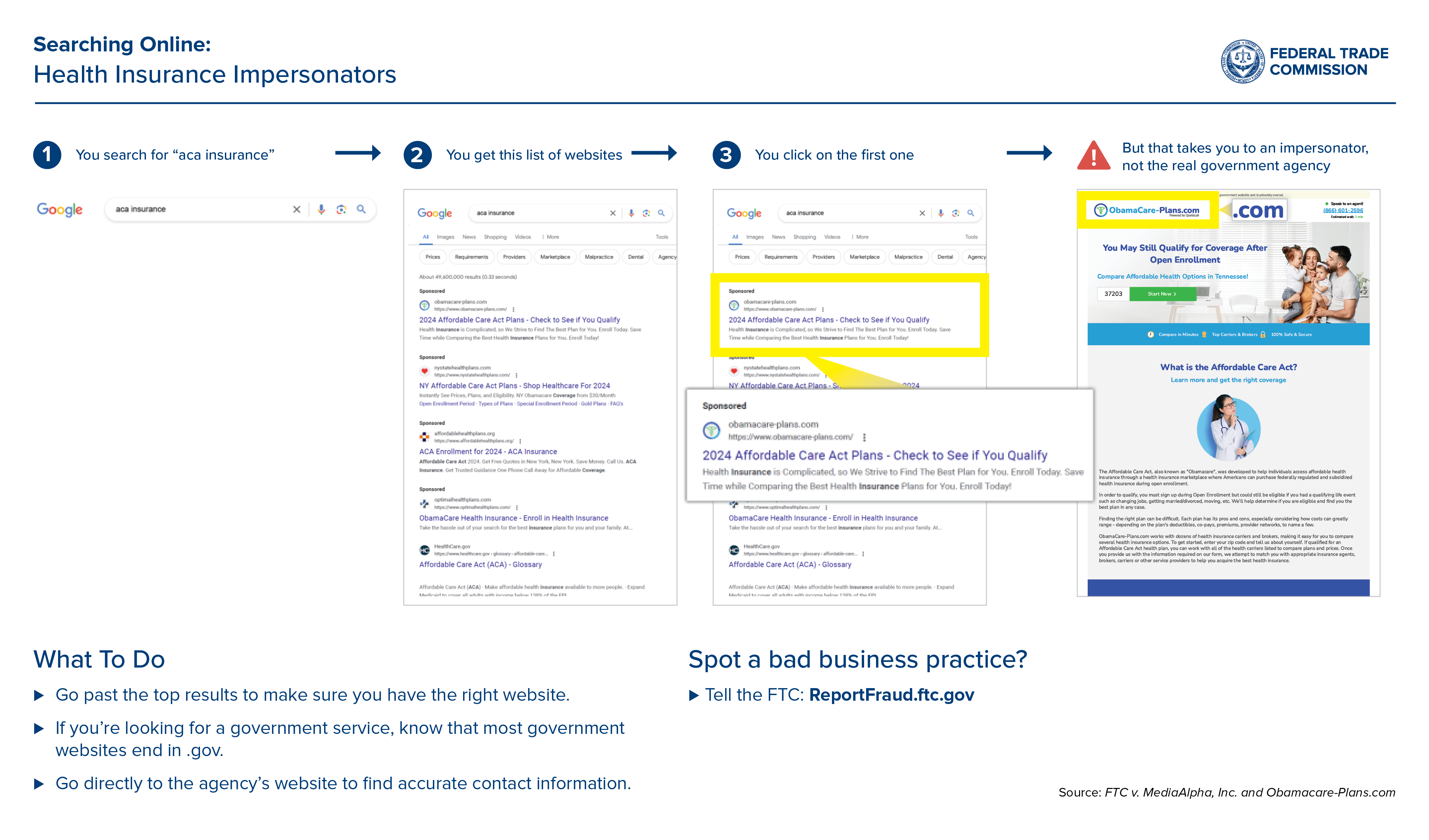
You search for “aca insurance”:
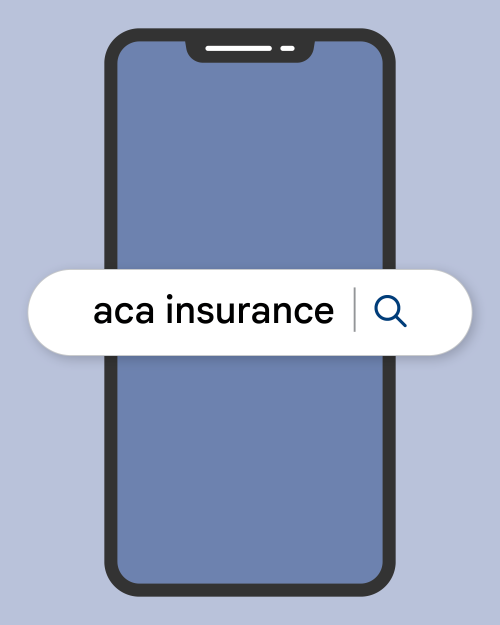
You get this list of websites:
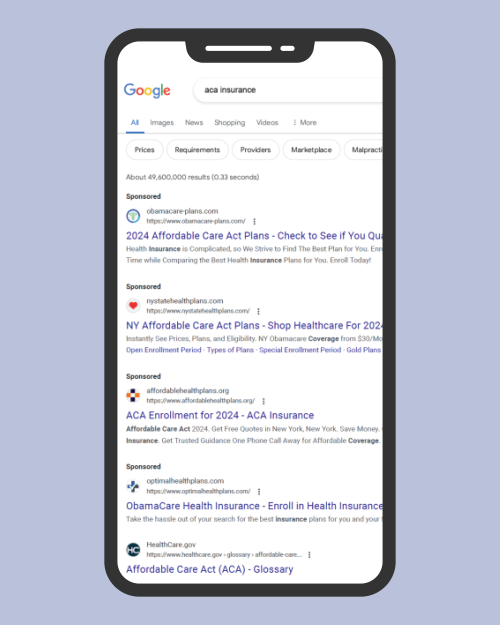
You click on the first one:
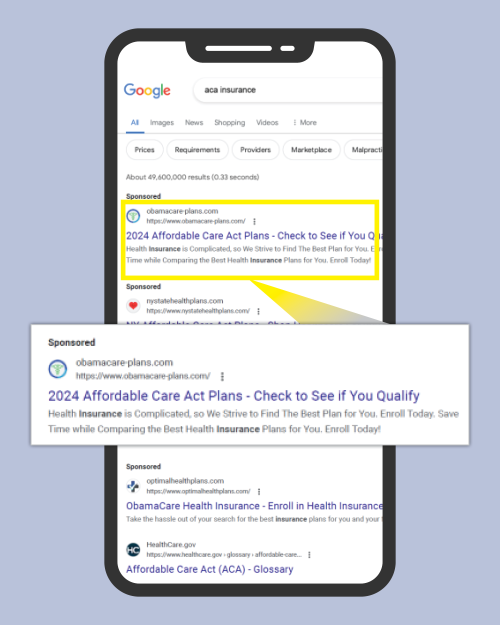
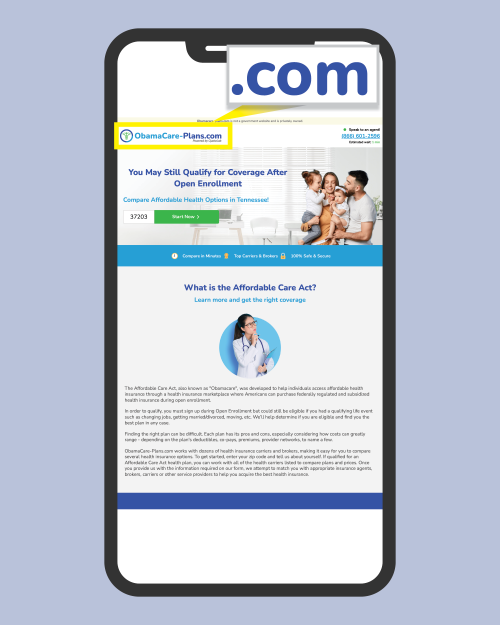
But that takes you to an impersonator, not the real government agency:
So what can you do to avoid a search scam?
- Spot the “Ad”: Always look for a small “Ad” or “Sponsored” label next to the search result. These labels mean someone paid for that placement.
- Check the URL: When a site’s address ends with .gov, it’s from the U.S. government. Most government websites end in .gov (like HealthCare.gov), so a web address ending in .com, .org, or something else could be a sign you’re dealing with someone else.
- Scroll Down: The organic search results below the paid ads are ranked by relevance, not by who paid the most, so they may be more likely to get you to the right place. The bottom line: Take an extra second to scroll. Make sure you’re getting real information from the real source, not a scammer’s lookalike.
And if you see a search scam? Tell the FTC at ReportFraud.ftc.gov.