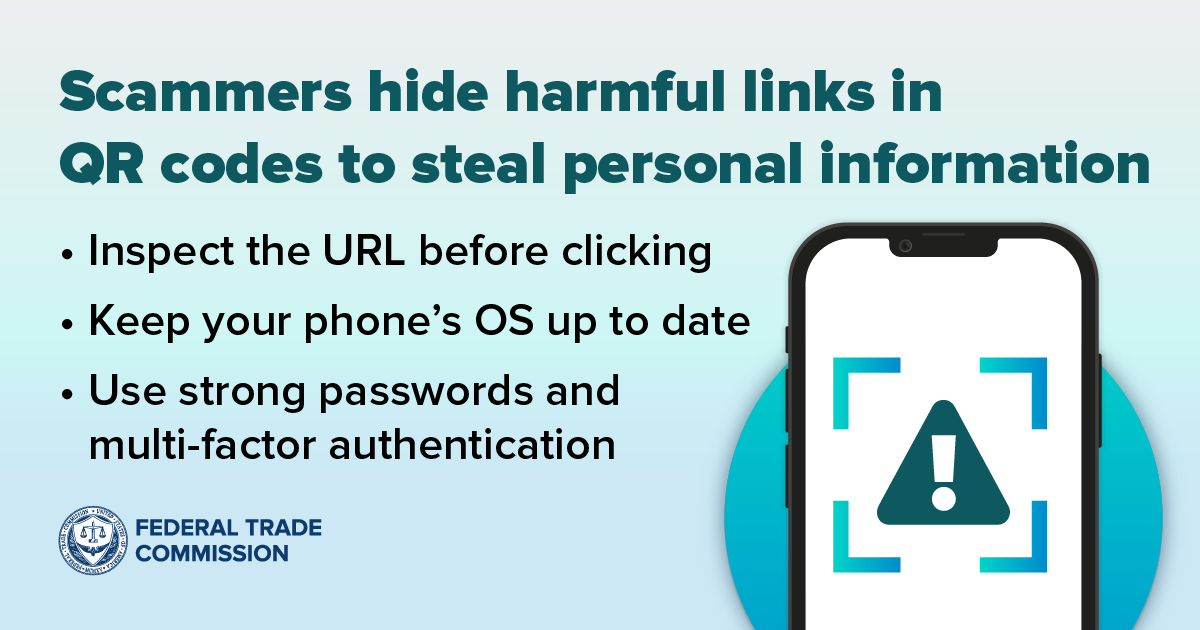

Ever tried to pay for parking and discovered you need to scan a QR code to pay? It seems like a convenient way to pay, but it turns out scammers like using QR codes, too. People have reported scammers covering up legit QR codes on parking meters with a QR code of their own. If you scan that scammy QR code, it could take you to a fake site designed to steal your money, your personal information, or both. So, how can you protect yourself from these scams?
Follow these steps:
- Inspect the URL link. Many QR readers preview the link they will send you to. Make sure there are no spelling mistakes or switched letters in the link before you click.
- Protect your phone. Update your phone's operating system (OS) and apps to help prevent scammy links from turning into a hack:
- Use strong passwords for your accounts. Protect your online accounts with strong passwords and multi-factor authentication.
Think you scanned a bad QR code? Follow these steps:
- Don’t interact with the scammer: If you reach out to someone through the website you think is fake, they may try to get money or sensitive information out of you.
- Change your password: If you entered credentials like your username or password, immediately change them wherever you use the same password for other accounts.
- Review your transactions: Check your credit card and bank statements to spot transactions you didn’t make.
Then, report it to the FTC at ReportFraud.ftc.gov.
Image